> ## Documentation Index
> Fetch the complete documentation index at: https://hashbot.com/docs/llms.txt
> Use this file to discover all available pages before exploring further.
# DM Disabler
> **DM Disabler** helps prevent unwanted direct messages by permanently disabling DMs server-wide. Once invited, it quietly handles DM permissions behind the scenes — no setup required.
> **Invite Link**: [Click here to invite DM Disabler](https://discord.com/oauth2/authorize?client_id=1223348495814230066)
> Even with DMs disabled, **friends can still message each other**, **moderators can message members**, and **your bots and apps will still function normally**.
## What Permissions Define a Moderator?
According to Discord’s documentation, a user is considered a moderator if they have **any** of the following permissions:
* Administrator
* Kick Members
* Timeout Members
* Ban Members
* Manage Server
## How to Invite & Use DM Disabler
[Discord App link](https://discord.com/discovery/applications/1223348495814230066)
## Slash Commands
| Command | Description |
| ------------------------------- | ------------------------------------------------------ |
| `/help` | Shows all available commands |
| `/disable-dms ` | Enable or disable DMs server-wide (auto-renewed daily) |
| `/disable-invites ` | Enable or disable server invites (auto-renewed daily) |
| `/ping` | Check if the bot is online |
## How Do I Stop Getting Discord Activity Alerts?
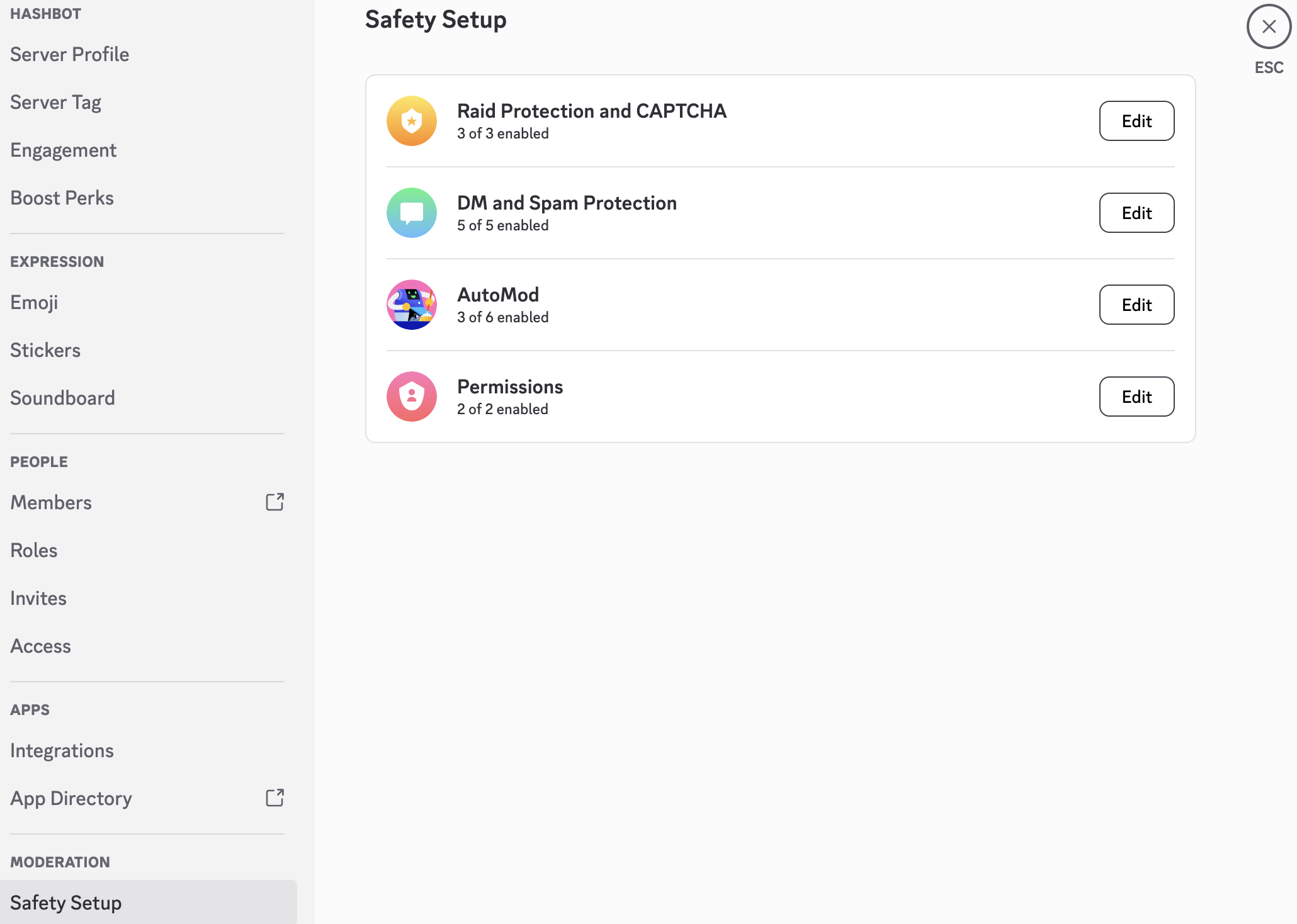
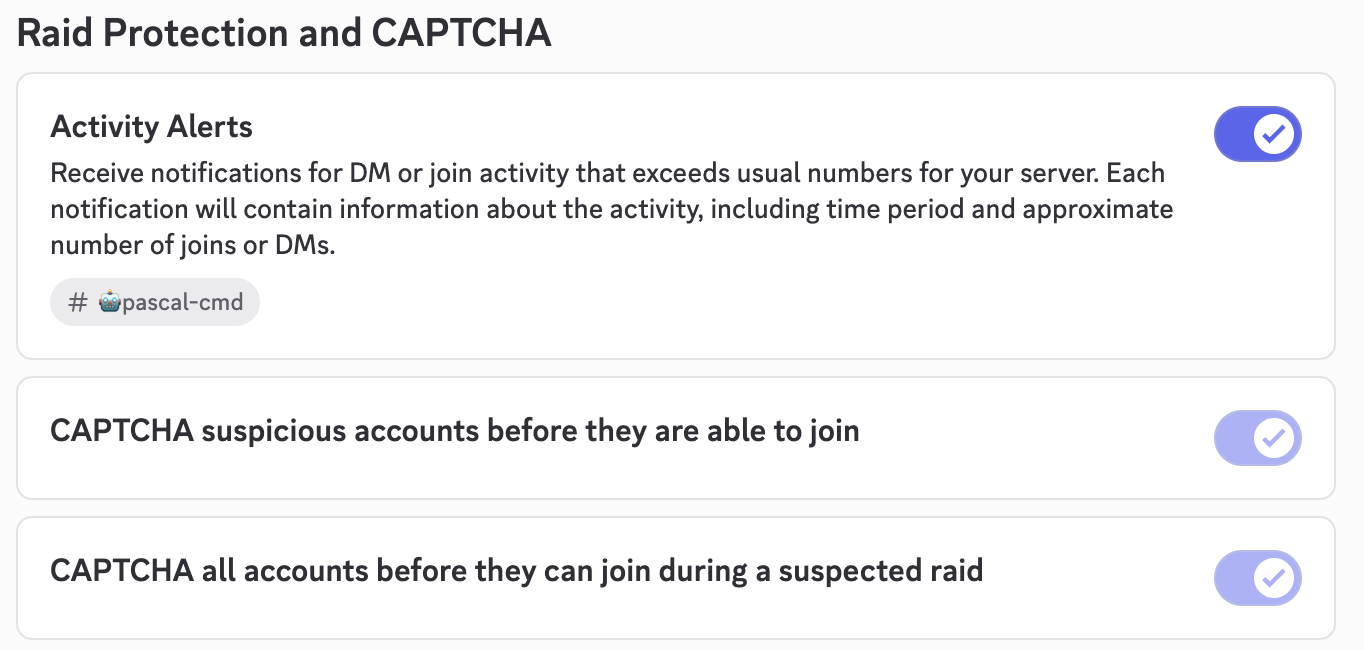
Sometimes, you’ll receive **Activity Alerts** from Discord when DMs are disabled or security measures are active. Here’s how to manage them:

 **Go to:**\
Server Settings → Safety Setup → Raid Protection and CAPTCHA → Edit
There, you can choose:
* A specific channel to receive alerts
* Or disable alerts entirely
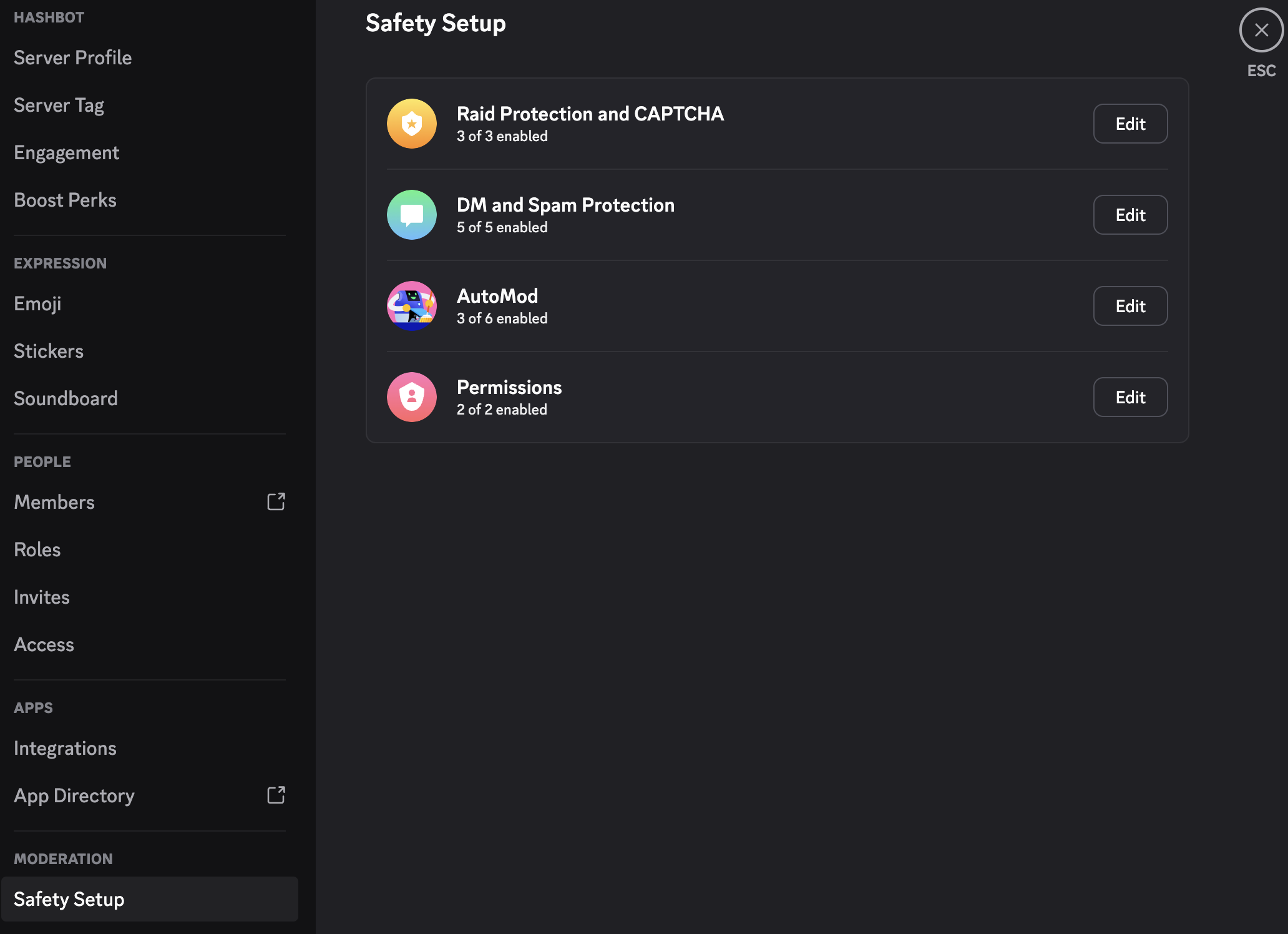
**Go to:**\
Server Settings → Safety Setup → Raid Protection and CAPTCHA → Edit
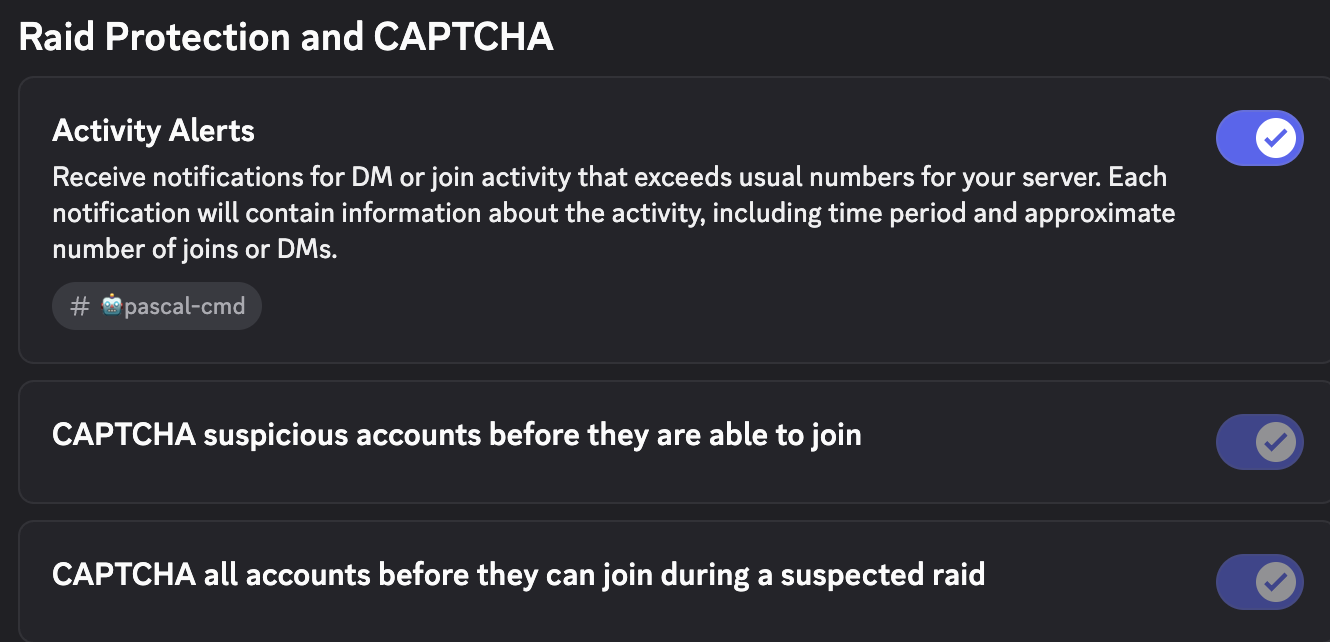
There, you can choose:
* A specific channel to receive alerts
* Or disable alerts entirely
 ## How Do I Know DMs Are Actually Disabled?
**Admins and moderators will see a banner** at the top of their Discord client confirming that DMs are disabled.
## How Do I Know DMs Are Actually Disabled?
**Admins and moderators will see a banner** at the top of their Discord client confirming that DMs are disabled.

