> ## Documentation Index
> Fetch the complete documentation index at: https://hashbot.com/docs/llms.txt
> Use this file to discover all available pages before exploring further.
# Installation & Permissions
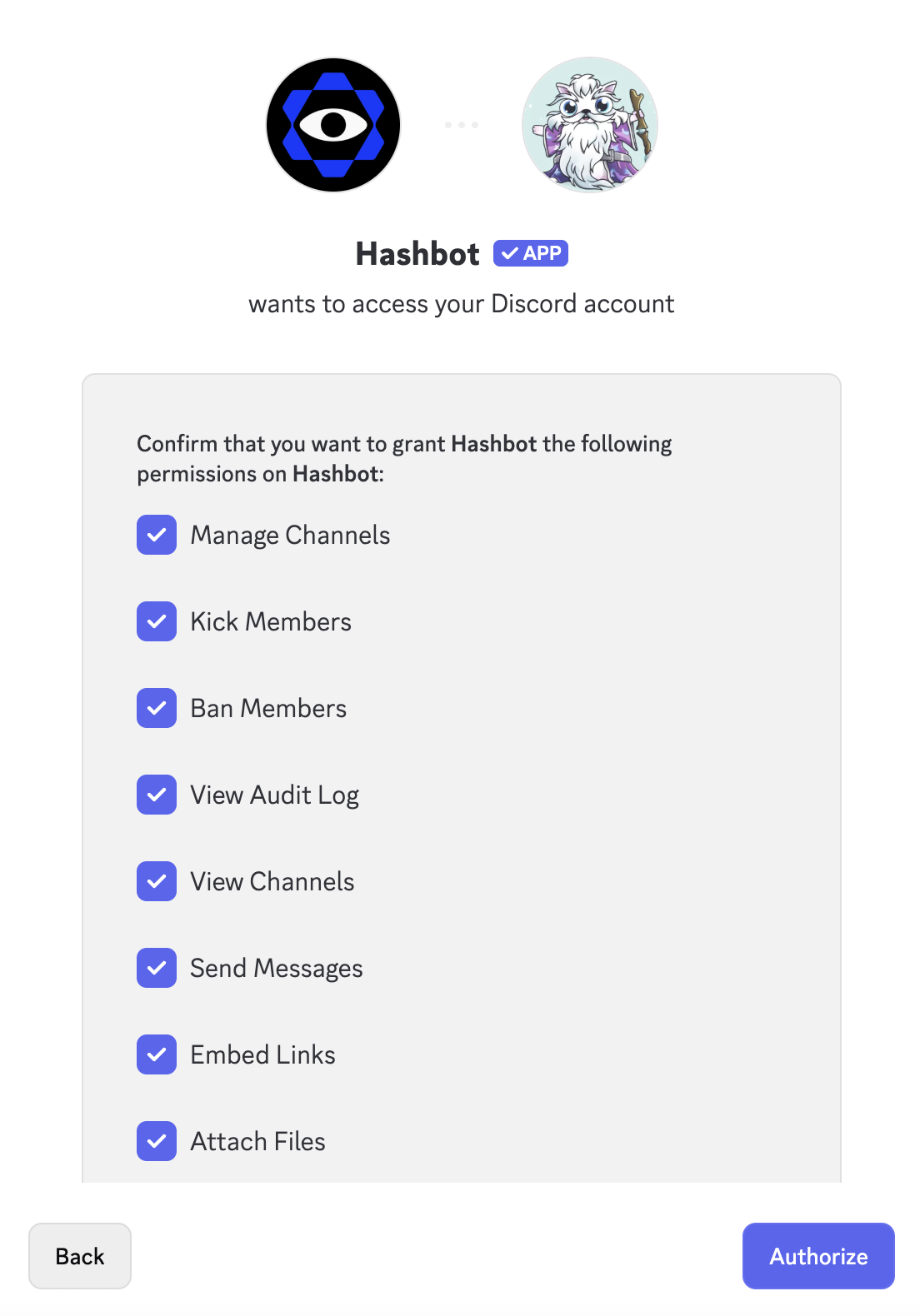
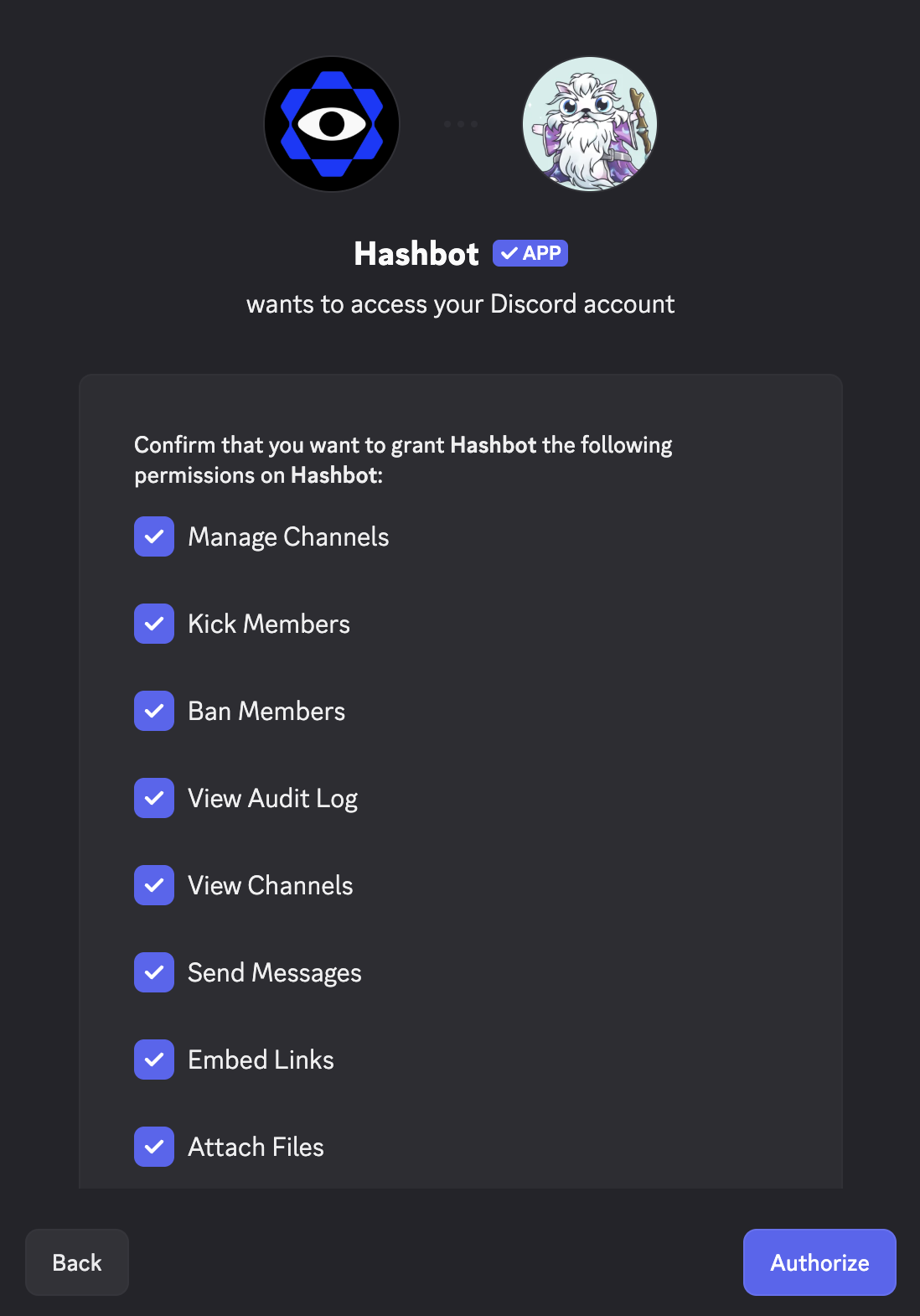
> Once you've invited Hashbot to your server, Discord will prompt you to confirm the permissions it requires.
Do **not** modify the default permissions. These have been carefully selected to ensure Hashbot functions correctly and can moderate your server effectively.
**Here’s the full list of permissions requested**, along with a brief explanation of why each is needed:
### Required Permissions
| Permission | Why It's Needed |
| ---------------------------- | ---------------------------------------------------------------------------- |
| **Manage Channels** | To configure verification channels and manage channel permissions |
| **Kick Members** | To remove users immediately if flagged as malicious |
| **Ban Members** | To automatically ban impersonators or repeat offenders |
| **View Audit Log** | To verify moderation actions and monitor changes to roles or usernames |
| **View Channels** | To access content and monitor for harmful behavior |
| **Send Messages** | To send alerts, notifications, and moderation logs |
| **Embed Links** | To display rich, readable moderation alerts and confirmations |
| **Attach Files** | To upload image-based reports, verification images, and PFP scan results |
| **Read Message History** | To review prior messages for detection or follow-up actions |
| **Add Reactions** | To respond to messages with reactions for moderation feedback |
| **Use External Emoji** | To use branded or custom emojis in alerts or logs |
| **Use Application Commands** | To enable slash commands like `/lockdown`, `/invite`, `/allowlist`, and more |
Once you've reviewed the list, click **“Authorize”** to complete the installation.