> ## Documentation Index
> Fetch the complete documentation index at: https://hashbot.com/docs/llms.txt
> Use this file to discover all available pages before exploring further.
# Invite Hashbot
> Add Hashbot to your Discord server to begin protecting your community.
Visit [Hashbot on Discord Discovery](https://discord.com/discovery/applications/864148078733951006) and click **“Add App”**.
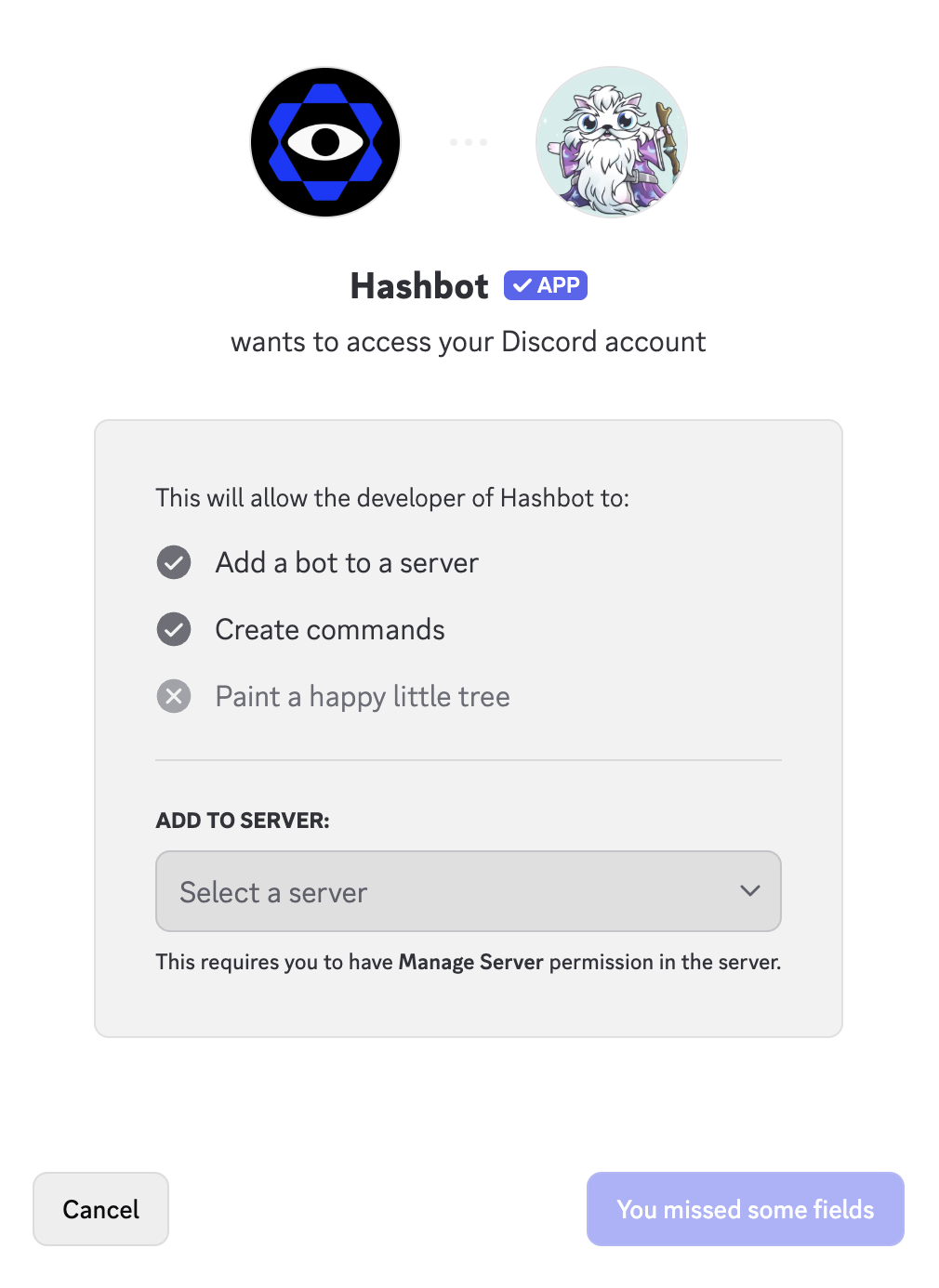
Once you click the invite link:
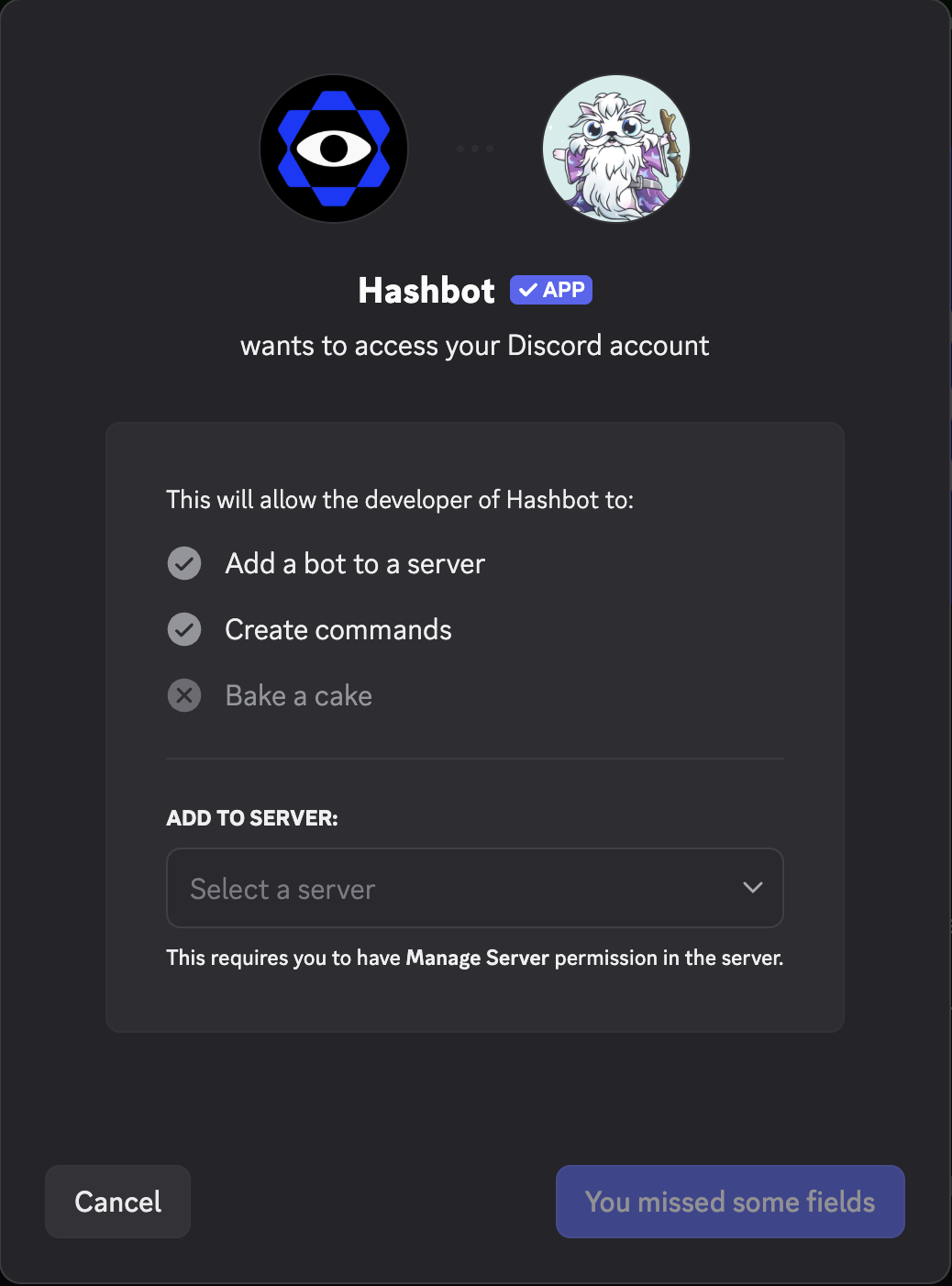
* A Discord authorization window will open.
* Select the server you wish to secure.
* Click **“Continue”**, review the required permissions, and then click **“Authorize”**.
You must have the **“Manage Server”** permission on the target server to complete installation.
After that, Hashbot will join your server and be ready for configuration.
 ## What's Next?
Now that Hashbot is in your server, follow these steps to get basic protection active:
1. **[Essential Setup](/essential-setup)** - Complete the minimum configuration in 5 minutes
2. **[Configure Permissions](/hashbot-permissions)** - Ensure Hashbot can moderate effectively
3. **[Set Up Manager Role](/manager)** - Grant trusted users configuration access
## Need Help?
If you encounter issues during invitation:
* Check the [FAQ](/frequently-asked-questions) for common problems
* [Join our Discord](https://discord.gg/hashbot) for personalized support
## What's Next?
Now that Hashbot is in your server, follow these steps to get basic protection active:
1. **[Essential Setup](/essential-setup)** - Complete the minimum configuration in 5 minutes
2. **[Configure Permissions](/hashbot-permissions)** - Ensure Hashbot can moderate effectively
3. **[Set Up Manager Role](/manager)** - Grant trusted users configuration access
## Need Help?
If you encounter issues during invitation:
* Check the [FAQ](/frequently-asked-questions) for common problems
* [Join our Discord](https://discord.gg/hashbot) for personalized support